5 updates for Enterprise: stream health, speaker Q&A, and localized events

<p class="">Giorgio manages Product at Vimeo Enterprise.</p>
Giorgio Dal Zotto
Enterprise release: October update

The October update for Vimeo Enterprise is now live! Here’s everything that’s new.

1. Live events

Stream health for browser-based events

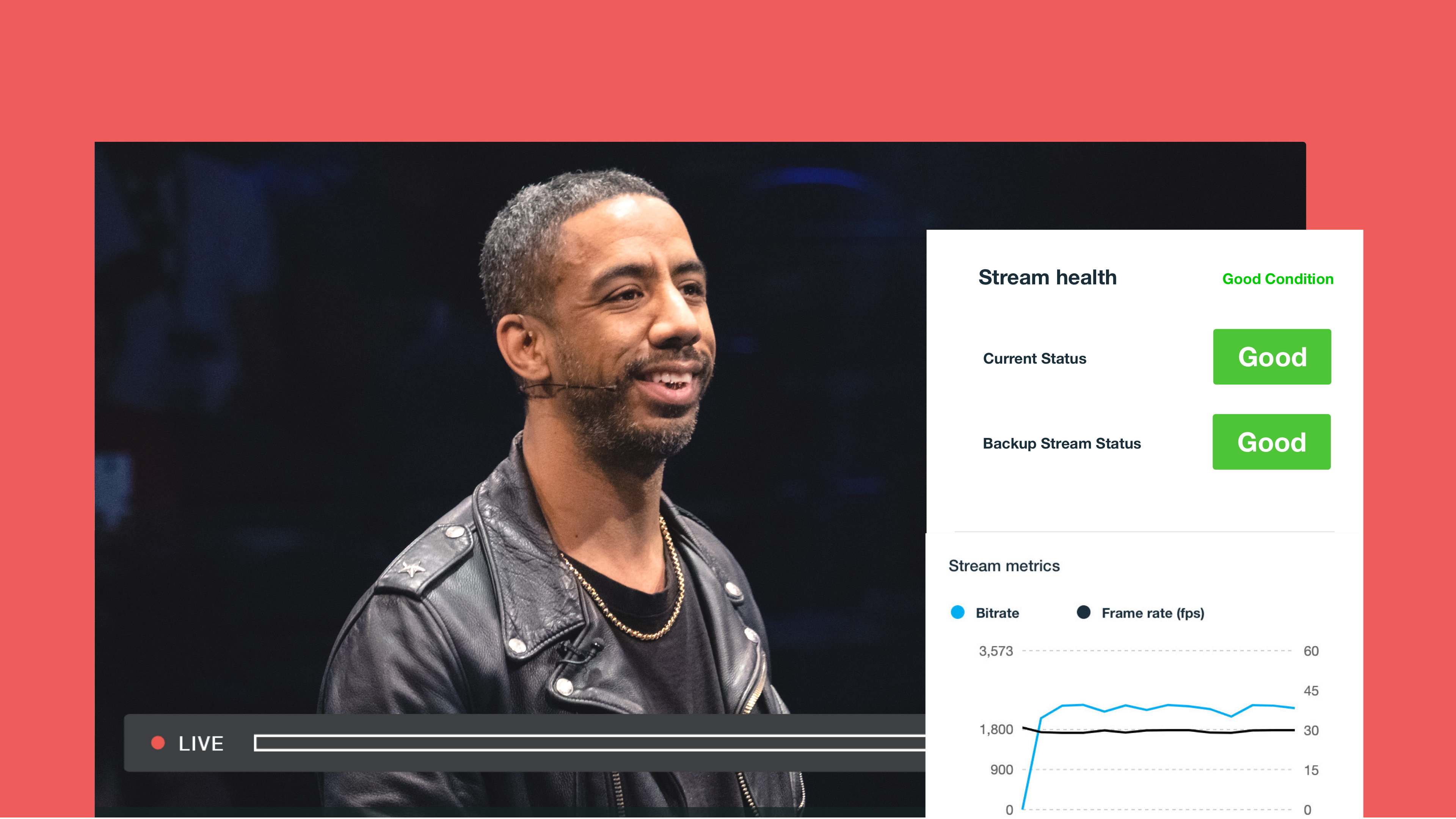
Check your stream’s health before and during events run from your browser
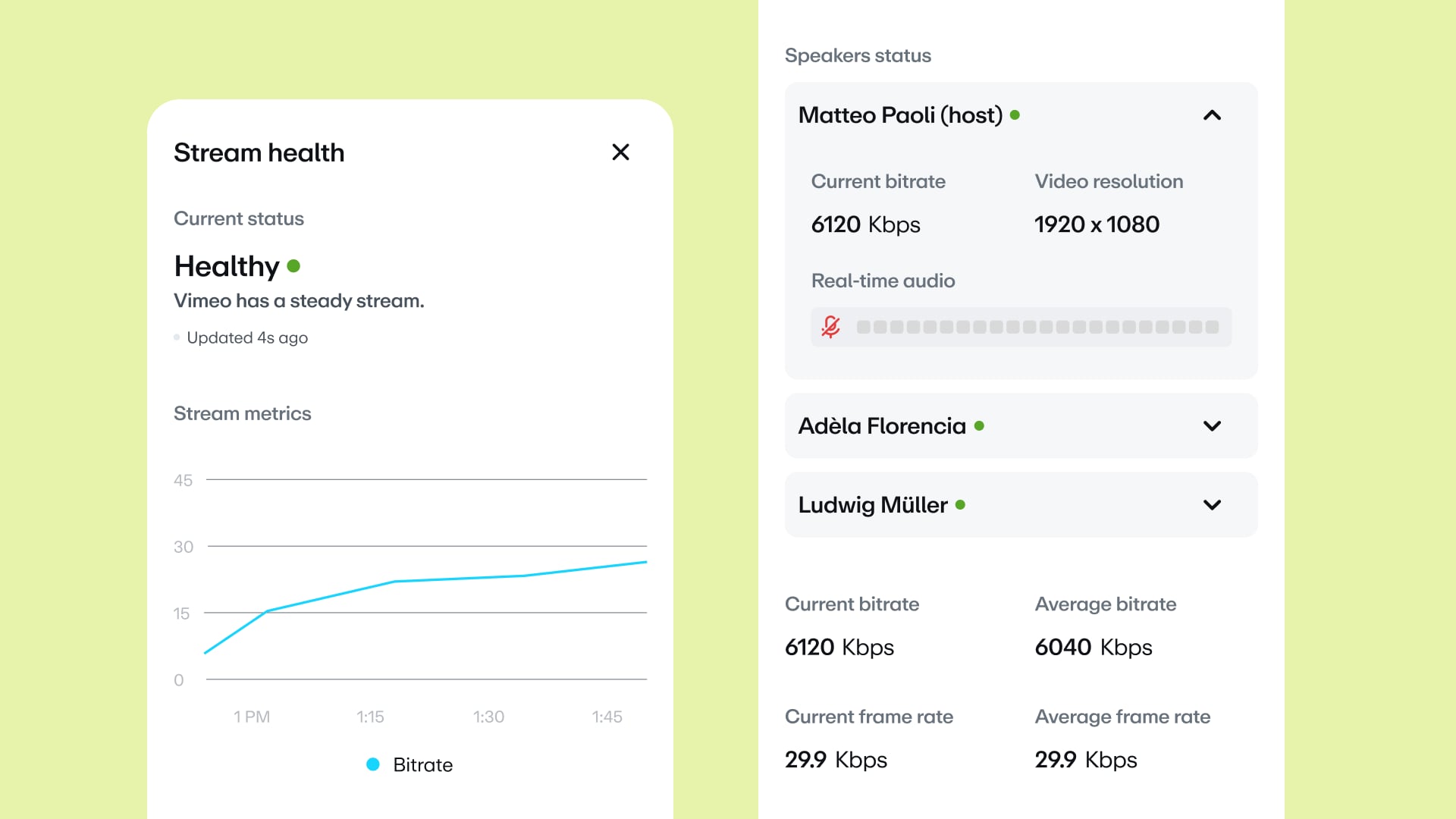
Stream health for Browser Studio events

Q&A replies from speakers

Let your speakers answer audience questions directly
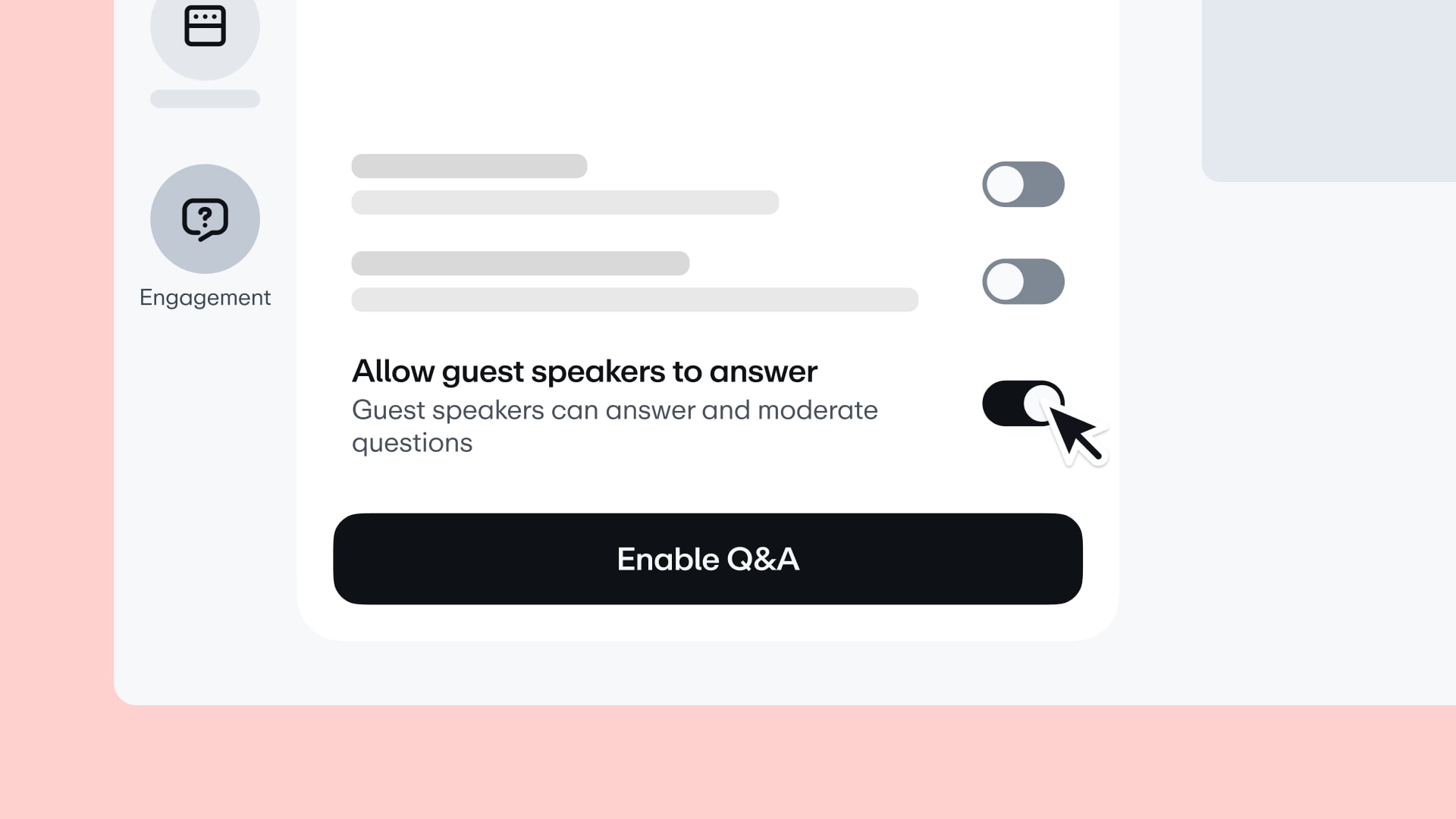
Q&A replies from speakers

2. Webinars

Localized emails for webinar registrations

Invite attendees in their own language, without creating multiple events

Localized emails for webinar registrations

Localized event landing pages

Translate your event page into each viewer’s language
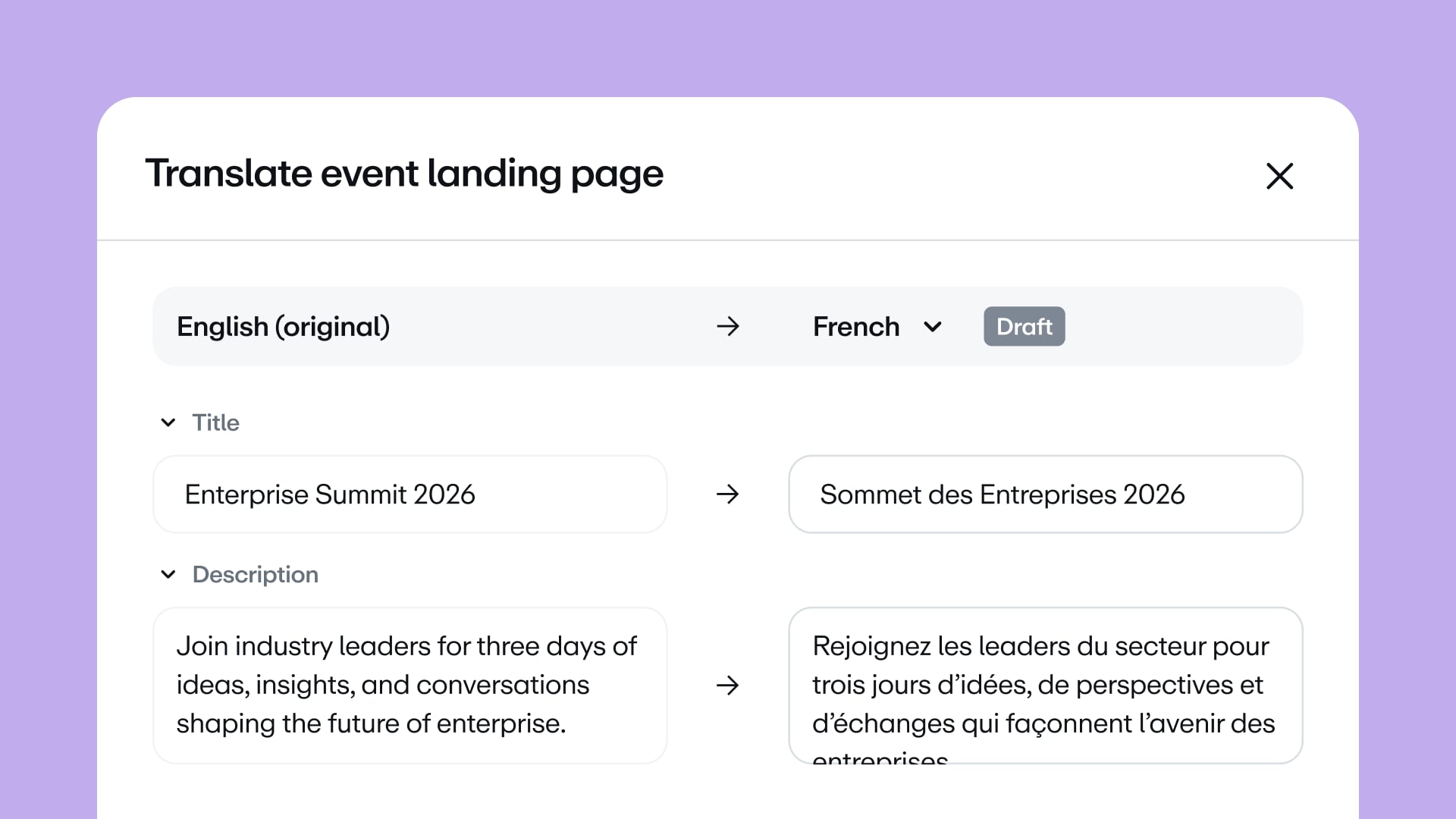
Localized event landing pages

3. Governance

Workspace and team Defaults and Presets

Manage upload defaults and presets from their own sections in settings
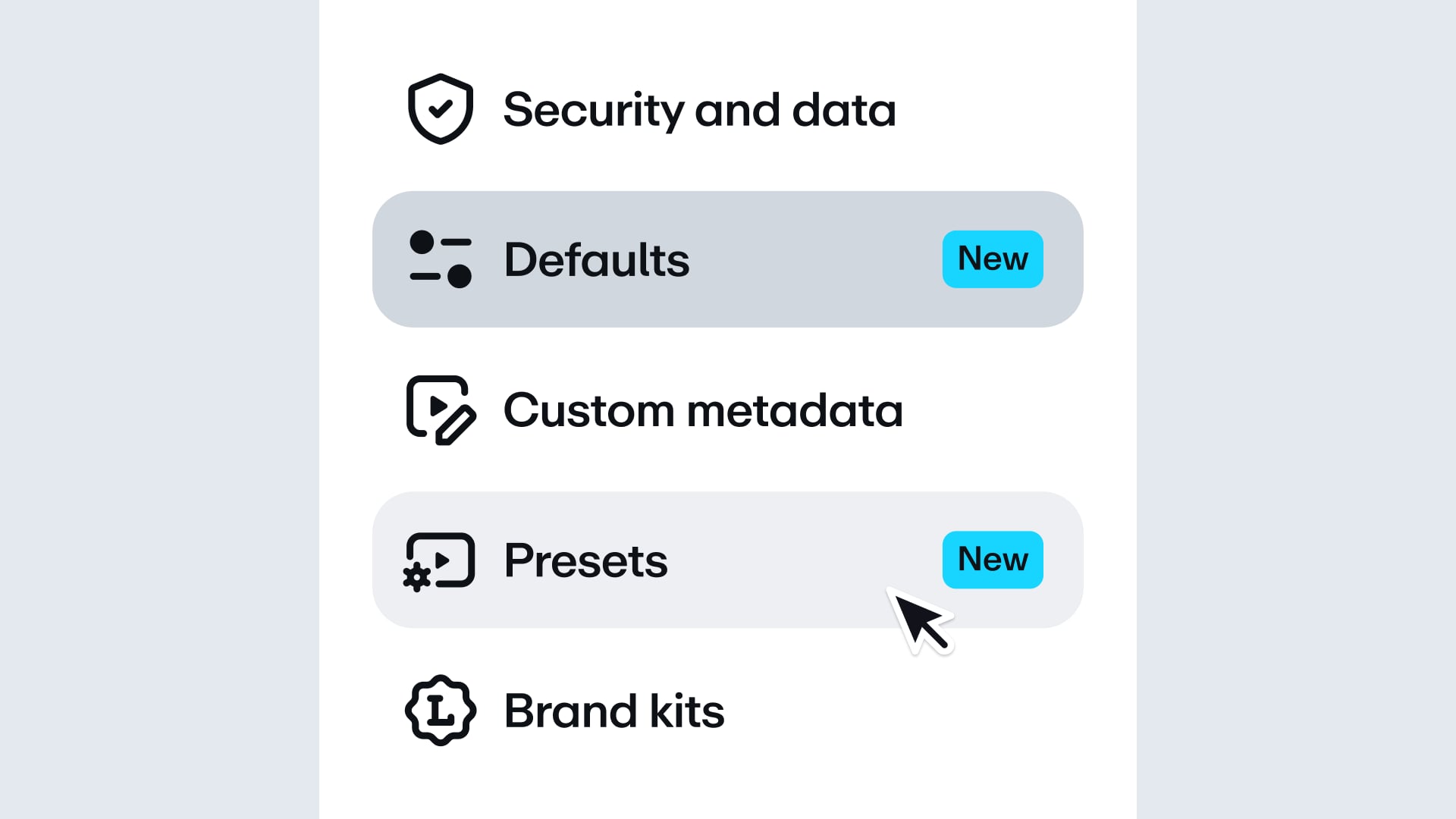
Workspace and team Defaults and Presets

If you’re not sure which features you have access to, feel free to reach out to your account manager.

Stay tuned,

Giorgio

More from the Vimeo blog

10 updates for Vimeo Enterprise: AI search, AI analytics, and custom event pages

10 updates for Vimeo Enterprise: AI search, AI analytics, and custom event pages

10 new updates for Vimeo Enterprise: Magic links, clearer AI credits, and more…

10 new updates for Vimeo Enterprise: Magic links, clearer AI credits, and more…

A man in an orange shirt simulcasting to X, YouTube, Facebook, and TikTok

How to live stream on X: Engage your audience and build a following

Live streaming is a great way to reach your audience. Discover how to live stream for the first time with this comprehensive guide.

How to live stream your next event in 8 steps: A helpful guide

With live streaming, every second counts. That’s why we’re providing you with a set of features to help you keep your cool while running your event.

Stream without the stress

Learn how to live stream a conference or virtual event in a few easy steps. It isn’t as hard as you might think — as long as you have the right tools and plan ahead.

How to stream a conference: Everything you need to know

It's easier than ever to live stream from your phone. We've got a few tips to help you create a beautiful, memorable, and reliable stream from any device.

How to live stream from your phone (and look like a pro doing it)

Here's a list of handy live streaming tips to apply before, during, and after your next event to help make it a success (even if you're new live video).

New to live streaming? 9 tips from our team